How to Find Tile with Phone?
- Sinotiles
- 2026-04-11

Finding the exact tile you need can feel frustrating. The wrong match ruins the whole space. Many buyers waste time searching offline and still fail.
You can find and match tiles using your phone by using image recognition apps, camera scanning, and reverse image search tools that compare patterns, colors, and textures instantly.
Now the process becomes faster and more accurate. A simple photo can replace hours of searching. Let’s break down how this works step by step.
Which apps can identify tile styles from photos?
Many people struggle to name a tile style. They see a design they like but cannot describe it. That slows down sourcing and decision making.
Several mobile apps use AI image recognition to identify tile styles, materials, and patterns from photos, helping users quickly find similar products or suppliers.
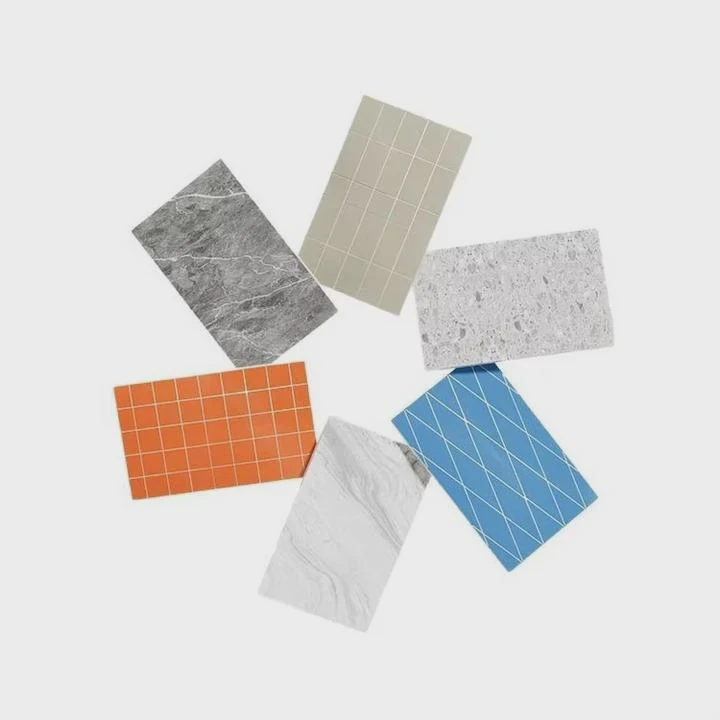
Apps have changed how buyers search for tiles. Before, people relied on catalogs or showroom visits. Now, a phone camera can scan a tile and suggest similar styles in seconds.
Popular App Types
Different apps focus on different strengths. Some focus on design inspiration. Others focus on product matching.
| App Type | Main Function | Best For |
|---|---|---|
| Image recognition | Identify patterns and styles | Quick style matching |
| Interior design | Visualize tiles in real spaces | Design planning |
| Marketplace apps | Link to suppliers and products | Direct purchasing |
| AR apps | Show tiles in your room using camera | Real-life preview |
How These Apps Work
Most apps use AI models trained on large image databases. These systems compare your photo with thousands of tile images. They analyze:
- Color tone
- Surface texture
- Pattern repetition
- Edge and grout lines
The result is a list of visually similar tiles.
Real Business Impact
From experience in export projects, many buyers now send photos instead of descriptions. This reduces errors. It also speeds up communication.
For example, a client once struggled to describe a “warm grey marble look tile.” After using an app, the exact style category became clear. That saved days of back-and-forth emails.
Limitations You Should Know
Apps are helpful, but they are not perfect.
- Lighting can affect results
- Low-quality images reduce accuracy
- Rare or custom tiles may not appear
Because of this, apps should be the first step, not the final decision.
How do you scan tiles using your smartphone camera?
Many people think scanning tiles is complex. In reality, it is simple. The main issue is not knowing the right method.
You can scan tiles using your smartphone by taking clear, well-lit photos and using apps or built-in camera tools to analyze patterns and textures.
Scanning tiles is not just taking a random picture. The quality of the scan affects the results.
Step-by-Step Process
Step 1: Clean the Tile Surface
Dust or stains can confuse image recognition. Always wipe the tile before scanning.
Step 2: Use Natural Lighting
Avoid shadows and reflections. Natural daylight works best.
Step 3: Capture Multiple Angles
Take photos from:
- Top view
- Side angle
- Close-up texture
Step 4: Focus on Details
Zoom in on:
- Grain patterns
- Surface finish (matte, glossy)
- Edge cuts
Step 5: Use a Scanning App or Feature
Upload the photo into an app or use built-in tools like visual search.
Best Camera Settings
| Setting | Recommendation | Reason |
|---|---|---|
| Resolution | High (12MP or more) | Better detail recognition |
| Flash | Off | Avoid glare |
| Focus | Manual or tap focus | Sharper image |
| HDR | On | Balanced lighting |
Common Mistakes
Many users take photos too quickly. This leads to poor results.
- Blurry images
- Uneven lighting
- Partial tile shots
- Too far distance
Each of these reduces matching accuracy.
Practical Tip from Projects
In real export cases, buyers who send clear photos always get faster quotations. Clear images reduce misunderstandings about size, finish, and color.
This is especially important for large orders. A small mistake in tile selection can lead to big losses.
Can image search help match existing tiles?
Matching existing tiles is one of the biggest challenges. This is common in renovation projects.
Yes, reverse image search can help match existing tiles by comparing your photo with online databases to find visually similar products.
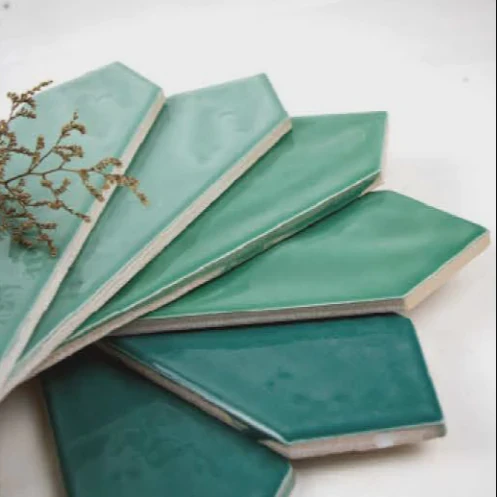
Reverse image search is a powerful tool. It works differently from keyword search.
How Reverse Image Search Works
Instead of typing words, you upload an image. The system then scans its database for similar visuals.
It compares:
- Shapes
- Patterns
- Colors
- Layout structure
When It Works Best
Reverse image search is very useful in these cases:
- You do not know the tile name
- The tile is discontinued
- You only have a photo
- You need a close replacement
Matching vs Exact Finding
It is important to understand one thing. Most tools find similar tiles, not exact matches.
Exact matches are rare because:
- Production batches vary
- Suppliers change designs
- Lighting changes color appearance
Strategy for Better Results
To improve your chances:
- Upload multiple images
- Crop to focus on the tile only
- Avoid background noise
- Try different platforms
Real Case Insight
A contractor once needed to match tiles in a hotel renovation. The original tiles were no longer available.
Using image search, we found a similar pattern. Then we adjusted size and finish through customization. The final result looked consistent.
This shows that matching is not always about finding the same tile. It is about finding the closest visual replacement.
What features improve tile recognition accuracy?
Many users complain that results are not accurate. The reason is often not the tool, but the input quality.
Tile recognition accuracy improves with high-quality images, proper lighting, detailed texture capture, and advanced AI algorithms that analyze multiple visual elements.
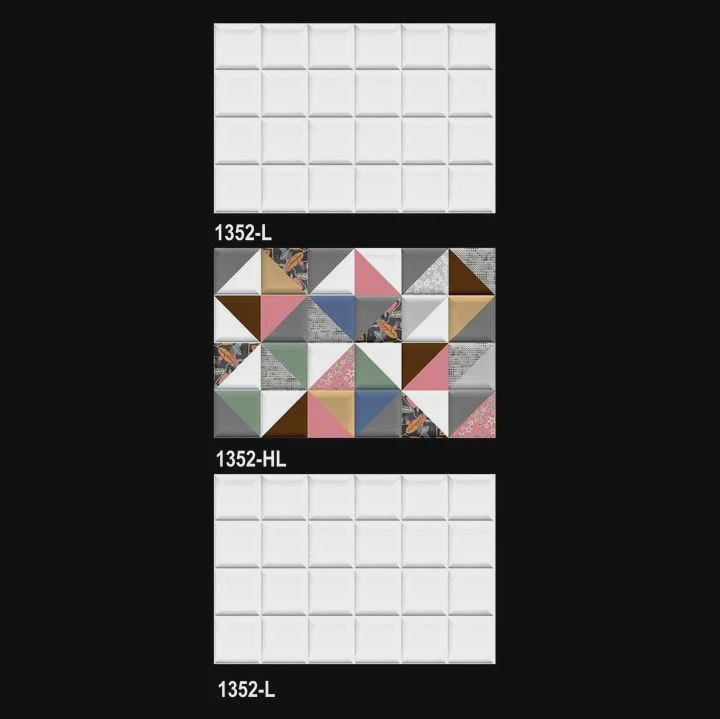
Accuracy depends on both technology and user behavior.
Key Factors That Affect Accuracy
1. Image Quality
High resolution images provide more data for analysis.
2. Lighting Conditions
Even lighting helps reveal true colors.
3. Texture Visibility
Close-up shots help identify material type.
4. Pattern Repetition
Clear pattern units improve matching results.
Technical Features in Good Tools
| Feature | Benefit |
|---|---|
| AI deep learning | Better pattern recognition |
| Large image database | More matching options |
| Texture detection | Identifies material surface |
| Color calibration | Accurate color comparison |
Human Factors Matter Too
Even the best AI cannot fix poor input.
Users should:
- Take time to capture good images
- Use multiple photos
- Avoid editing filters
Combining Methods for Best Results
The most effective approach is to combine tools:
- Use scanning apps for quick identification
- Use image search for broader matching
- Consult suppliers for confirmation
Industry Perspective
From supply experience, accuracy improves when buyers provide:
- Size information
- Application area (wall or floor)
- Finish type
This extra context helps narrow down options.
In many projects, combining visual tools with supplier expertise leads to the best results.
Conclusion
Using a smartphone to find tiles is simple and efficient. Clear photos, the right apps, and smart search methods help you match styles faster and reduce costly mistakes.